1What is automated invoicing and how does it work?
Automated invoicing is a system that generates, sends, and tracks invoices automatically based on predefined rules and triggers. When a service is completed, product is delivered, or a billing cycle occurs, the system automatically creates an invoice with accurate details, sends it to the client via email, and tracks payment status. This eliminates manual data entry, reduces errors, and ensures timely billing without human intervention.
2How can automation improve my invoicing process?
Automation streamlines your invoicing workflow by eliminating repetitive manual tasks. It automatically calculates totals, applies taxes, generates invoice numbers sequentially, and sends payment reminders. This reduces processing time by up to 80%, minimizes human errors, ensures consistent branding, and allows your team to focus on higher-value activities. Additionally, automated systems provide real-time insights into outstanding payments and cash flow.
3What types of invoices can be automated?
Most invoice types can be automated including recurring invoices for subscriptions or retainer services, project-based invoices triggered by milestone completion, time-based invoices that pull data from time tracking systems, expense invoices that include reimbursable costs, and progress invoices for long-term projects. The system can handle simple one-line invoices to complex multi-item invoices with various tax rates and discount structures.
4How does automated invoicing handle recurring billing?
Automated recurring billing systems store customer payment information securely and charge them automatically on scheduled dates (monthly, quarterly, annually, etc.). The system generates invoices, processes payments, sends receipts, and handles failed payment retries. It can also manage subscription upgrades, downgrades, prorations, and cancellations automatically, ensuring continuous service delivery and predictable revenue streams.
5What payment methods can be integrated with automated invoicing?
Automated invoicing systems support multiple payment methods including credit and debit cards, ACH/bank transfers, digital wallets (PayPal, Apple Pay, Google Pay), wire transfers, and even cryptocurrency payments. Customers can choose their preferred payment method, and the system processes payments securely while automatically updating invoice status and sending confirmation receipts.
6Can I customize invoice templates with automation?
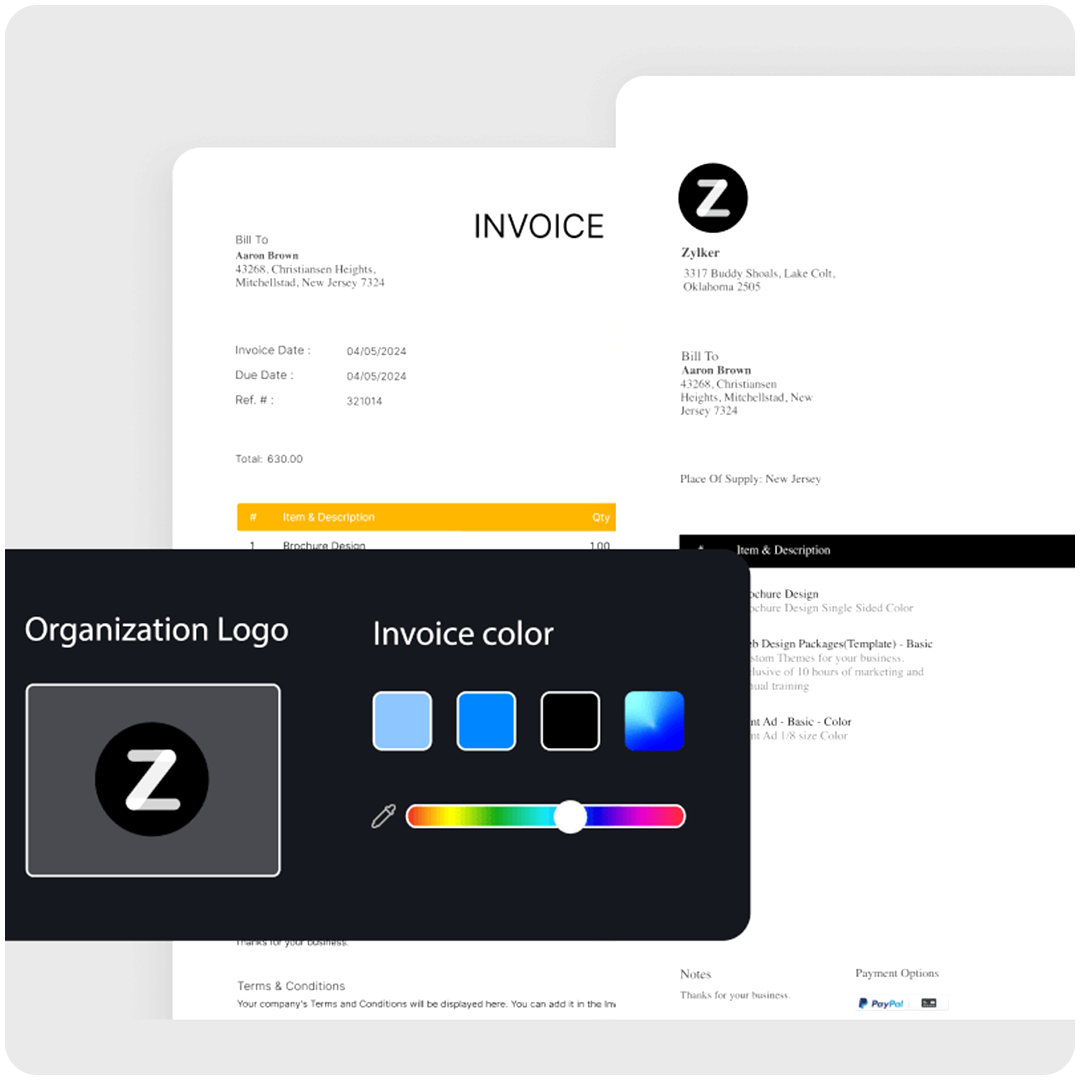
Absolutely. Automated invoicing systems offer extensive customization options allowing you to add your company logo, adjust colors and fonts to match your brand, include custom fields for project details or purchase orders, add payment terms and late fees, incorporate tax IDs and registration numbers, and even create different templates for different client types or service categories.
7How does automated invoicing handle late payments?
Automated systems can send payment reminders at scheduled intervals before and after due dates, apply late fees automatically according to your terms, escalate reminders based on how overdue the payment is, pause services for non-payment if configured, and generate aging reports to help you identify problem accounts. This systematic approach improves collection rates without requiring manual follow-up.
8What reporting capabilities does invoicing automation provide?
Automated invoicing systems generate comprehensive reports including accounts receivable aging, revenue forecasts based on pending invoices, payment trends and patterns, client payment history, tax summaries for filing purposes, and profitability analysis by client or project. These insights help you make informed business decisions and maintain healthy cash flow.
9How does invoice automation handle multiple currencies?
Modern invoicing automation supports multi-currency operations by allowing you to bill clients in their local currency, automatically converting amounts using real-time exchange rates, tracking foreign exchange gains or losses, and reconciling payments regardless of currency differences. This is essential for businesses operating internationally or serving global clients.
10Can automated invoicing manage partial payments?
Yes, automated systems can track partial payments by recording each payment against the total invoice amount, automatically updating the outstanding balance, sending updated statements showing remaining amounts due, and maintaining a complete payment history. This ensures accurate accounts receivable tracking even when clients pay in installments.