1What is workflow integration and why is it important?
Workflow integration connects different software applications and systems, so they can share data and trigger actions automatically across your technology stack. Instead of manually transferring information between tools, integrated workflows enable seamless data flow, eliminate duplicate entry, reduce errors, and create efficient end-to-end processes. This integration is crucial for scaling operations and maintaining data accuracy across your organization.
2Which business systems can be integrated?
Modern integration platforms can connect virtually any business system including CRM software (Salesforce, HubSpot), accounting platforms (QuickBooks, Xero), project management tools (Asana, Monday.com), communication platforms (Slack, Microsoft Teams), e-commerce systems (Shopify, WooCommerce), marketing automation (Mailchimp, Marketo), and custom databases or legacy systems through APIs or middleware solutions.
3How do automated workflows improve business efficiency?
Automated workflows eliminate time-consuming manual tasks by triggering actions based on specific events or conditions. For example, when a sale closes in your CRM, the workflow can automatically create a project in your project management tool, generate an invoice, notify the delivery team, and update inventory levels. This reduces processing time from hours to seconds while ensuring consistency and accuracy across operations.
4What is an API and how does it enable integration?
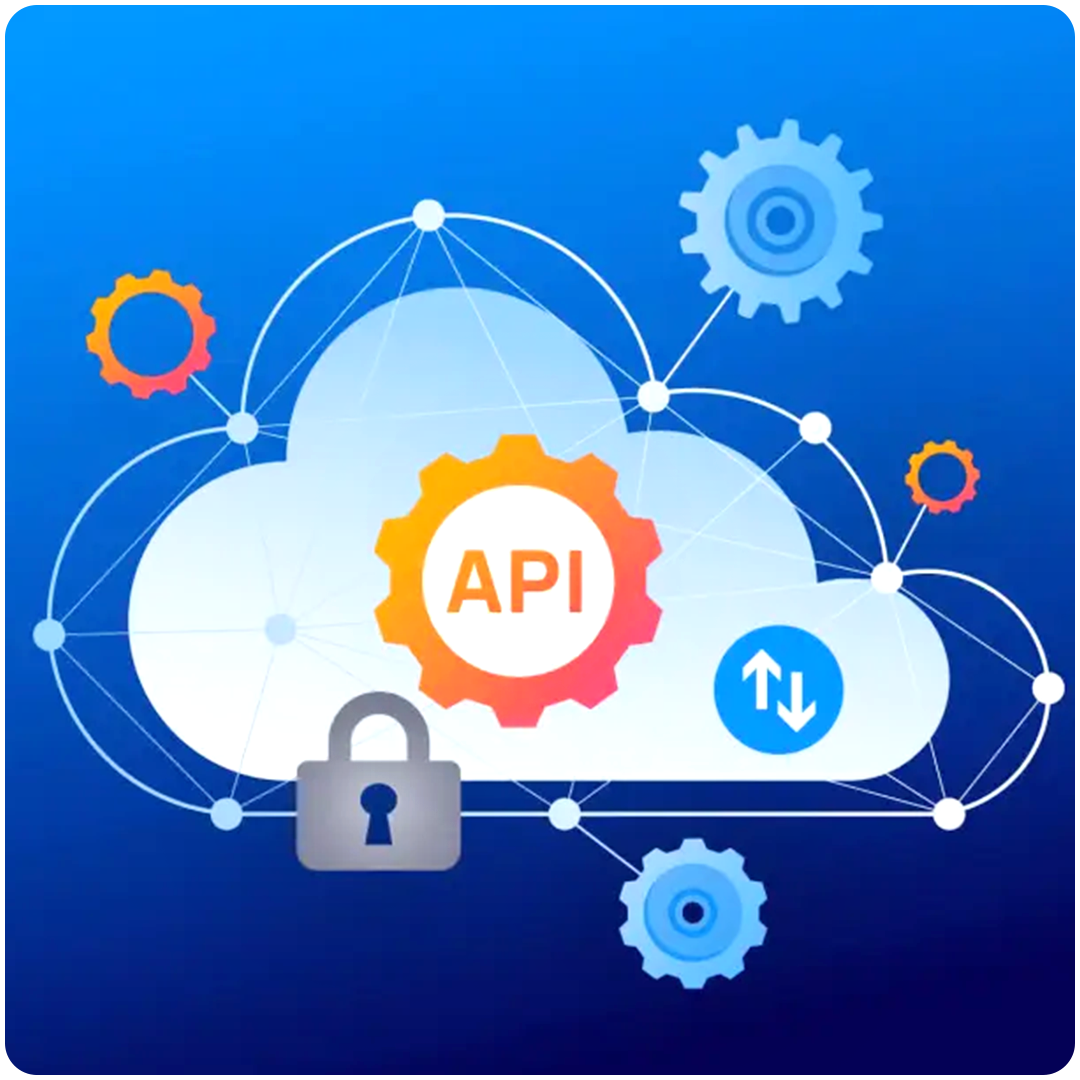
An API (Application Programming Interface) is a set of rules that allow different software applications to communicate with each other. Think of it as a messenger that takes requests from one system, tells another system what to do, and returns the response. APIs enable real-time data synchronization, automated triggers between systems, and the ability to build custom integrations tailored to your specific business needs.
5Can I integrate systems without coding knowledge?
Yes, modern integration platforms like Zapier, make (formerly Integromat), and Microsoft Power Automate offer no-code solutions that use visual interfaces to build workflows. You simply select trigger events (like "new customer created") and actions (like "send welcome email"), and the platform handles the technical connectivity. For more complex integrations, low-code platforms allow customization with minimal programming knowledge.
6How do I map data between different systems?
Data mapping involves matching fields from one system to corresponding fields in another. For example, mapping "Customer Name" in your CRM to "Client Name" in your invoicing system. Integration platforms provide visual mapping tools where you can drag and drop fields, apply transformations (like formatting dates or combining fields), set default values, and create conditional logic to ensure data flows correctly between systems.
7What is a webhook and how does it work?
A webhook is a way for one application to send real-time data to another when a specific event occurs. Instead of constantly checking for updates (polling), webhooks push information instantly when something happens. For example, when a payment is received in your payment processor, it can immediately trigger a webhook to your accounting system to record the transaction and send a receipt to the customer.
8How secure are workflow integrations?
Enterprise-grade integration platforms use multiple security layers including encrypted data transmission (SSL/TLS), OAuth authentication for secure system access, role-based permissions to control who can create or modify workflows, data encryption at rest, compliance with regulations like GDPR and HIPAA, and regular security audits. Reputable platforms maintain SOC 2 certification and other security standards.
9What happens if an integrated system goes offline?
Modern integration platforms include error handling and retry mechanisms. If a system is temporarily unavailable, the integration will queue the data and automatically retry at intervals. You receive notifications of failures, can view error logs, and manually retry once systems are back online. Some platforms offer fallback workflows to route data through alternative paths when primary systems fail.
10Can integrations handle high volumes of data?
Yes, enterprise integration platforms are designed to scale and handle large data volumes through batch processing for bulk data transfers, rate limiting to respect API constraints, asynchronous processing to handle tasks in the background, load balancing across multiple servers, and optimization techniques like data caching. This ensures reliable performance even during peak usage periods.